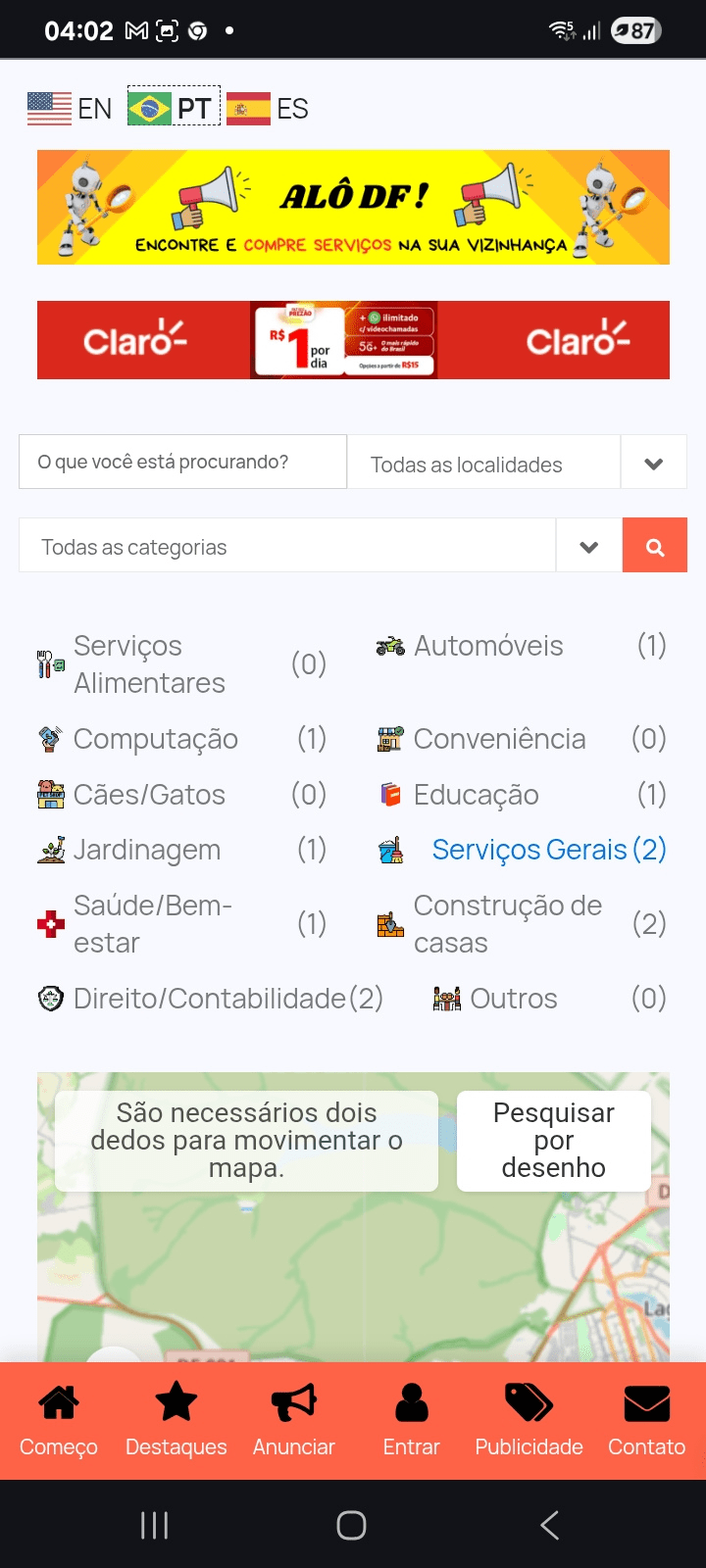





App SAUDEDF Functionalities
Formas de NAVEGAÇÃO : There are 3 WAYs of Finding : 1) pela BUSCA ; 2) pelas CATEGORIAS ; 3) Pelo MAPA ; 4) Pelo MENU
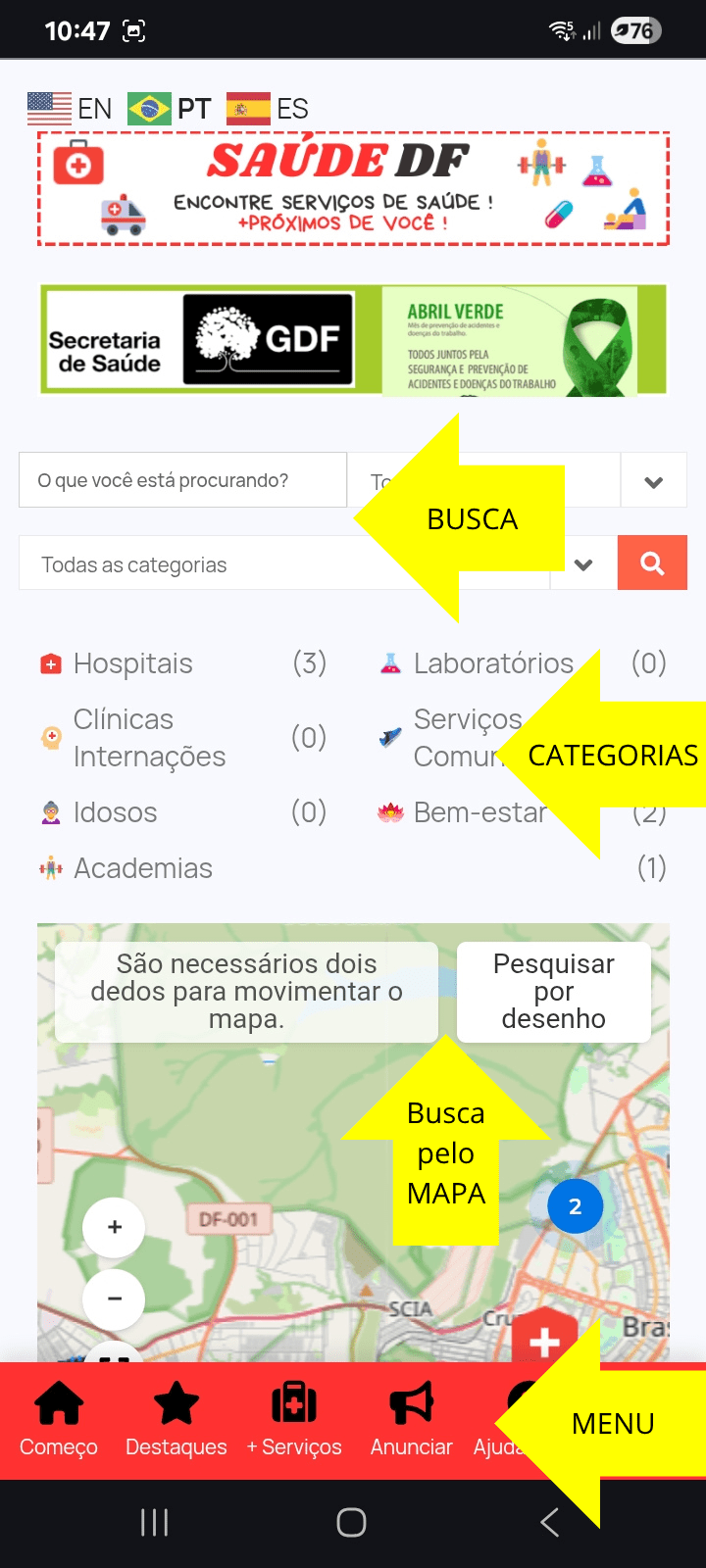
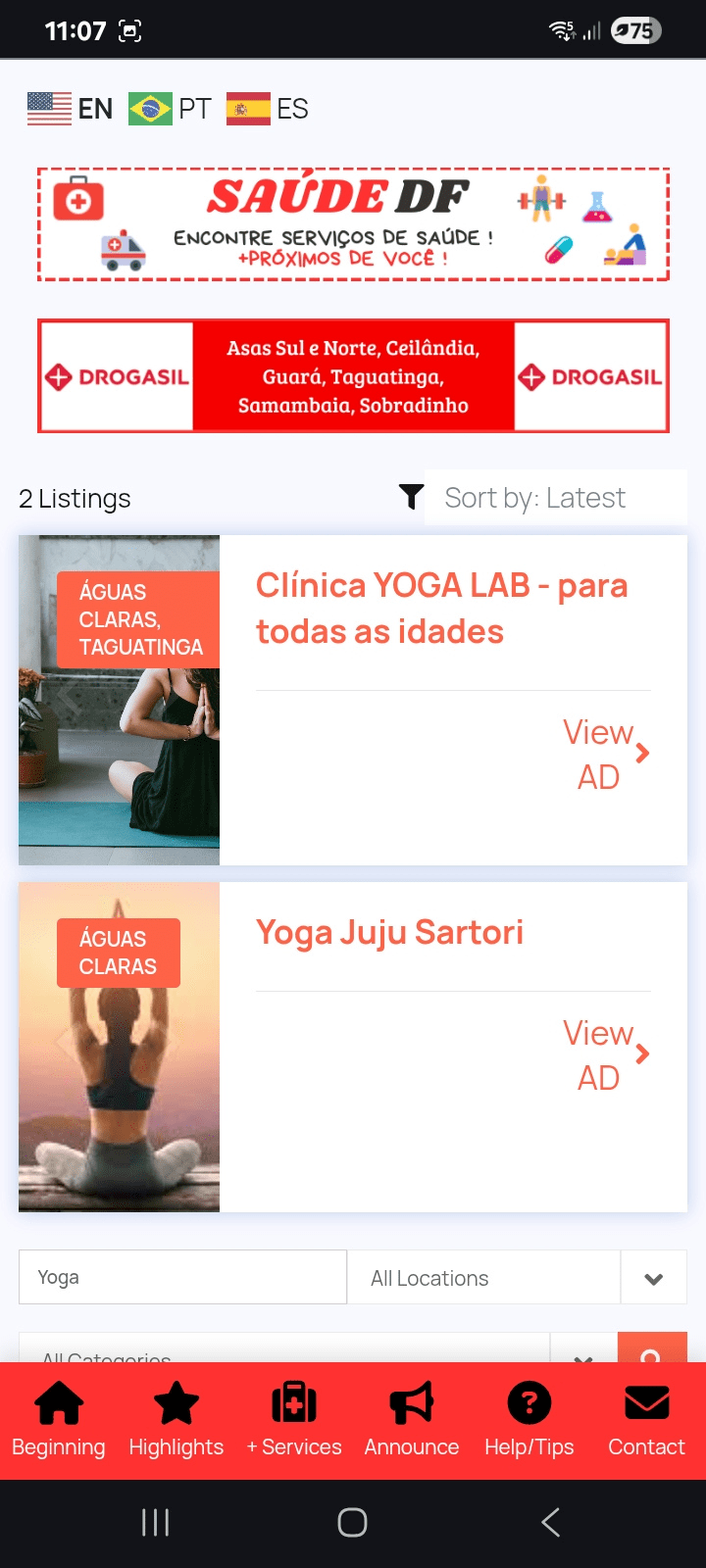
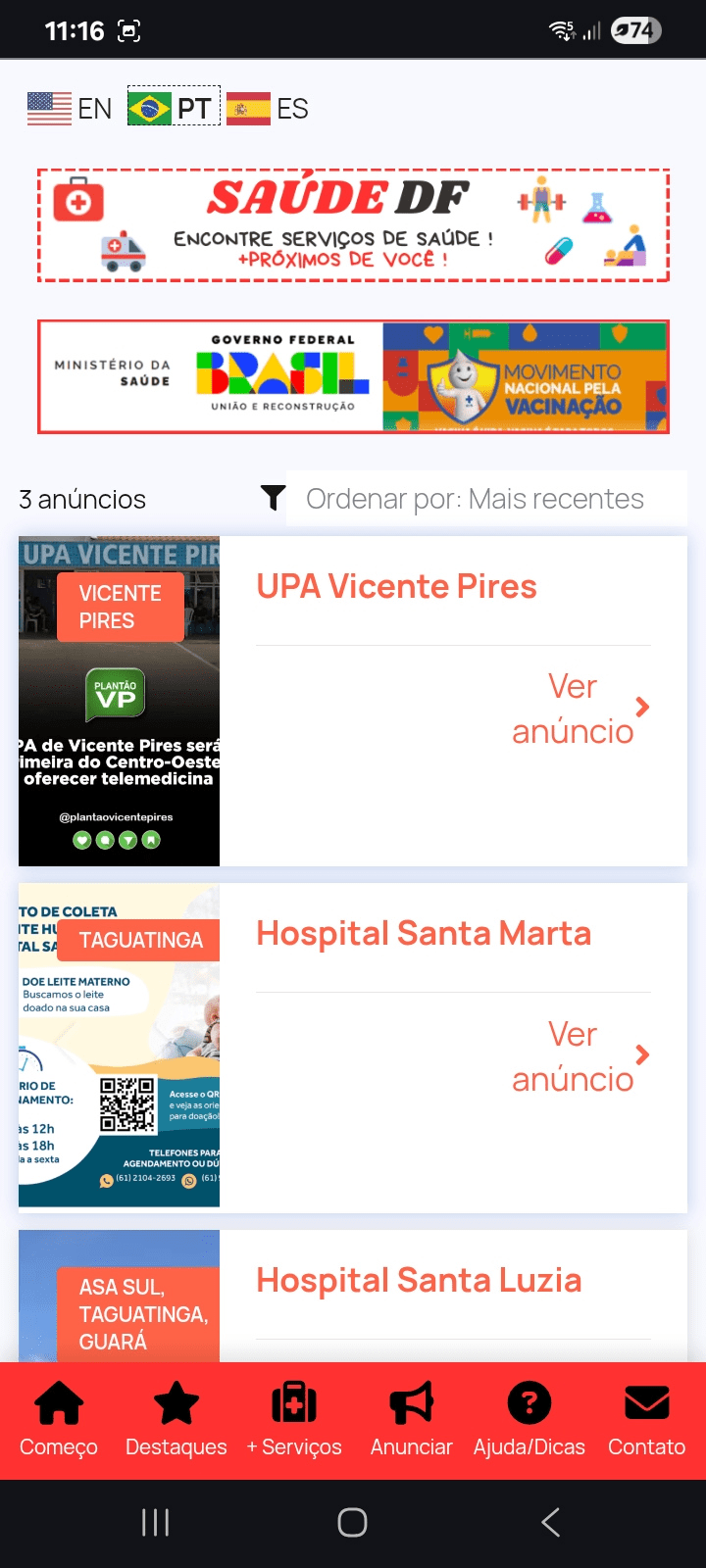
2) pela BUSCA : Type your Search Argumento at the “what are you looking for ?” field. For example, type “Yoga” or “Hospital” and Tap Search Button – see different results below :
Add SAUDEDF Icon to Desktop
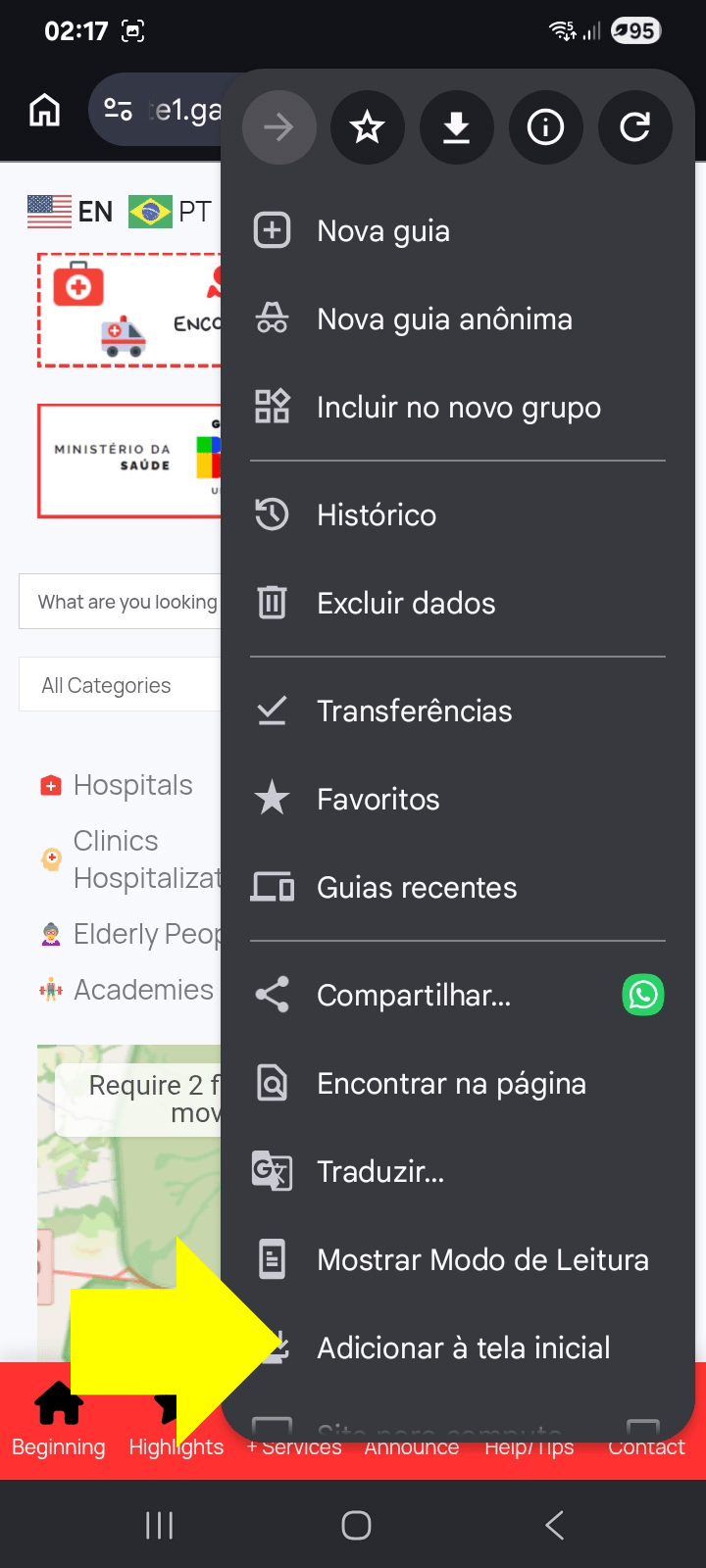
Pass 1 (of 3) : Tap the 3 Little Dots at the Upper Right Corner and Select the Add to Home Screen Option (the last one on the list) ;
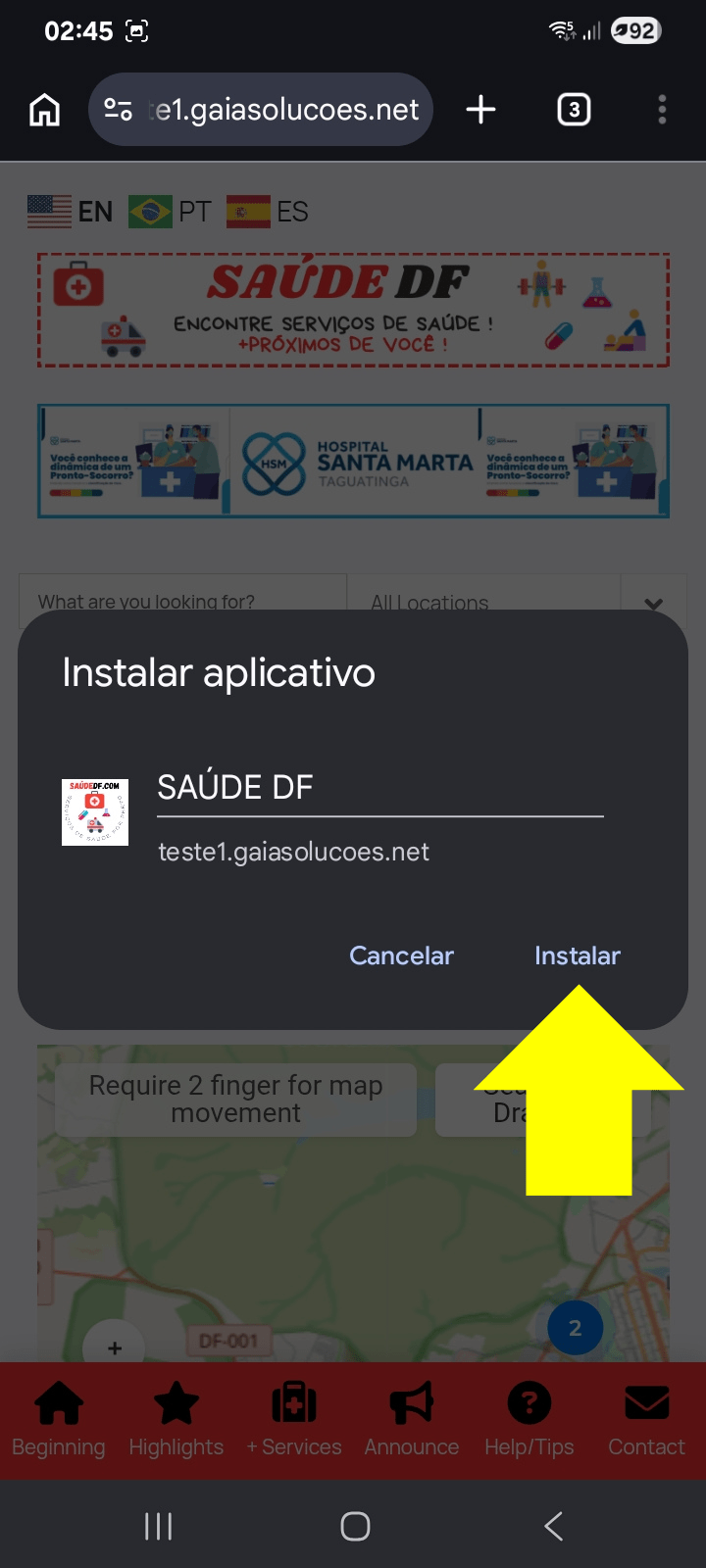
Pass 2 (of 3) : Just Tap Install ;
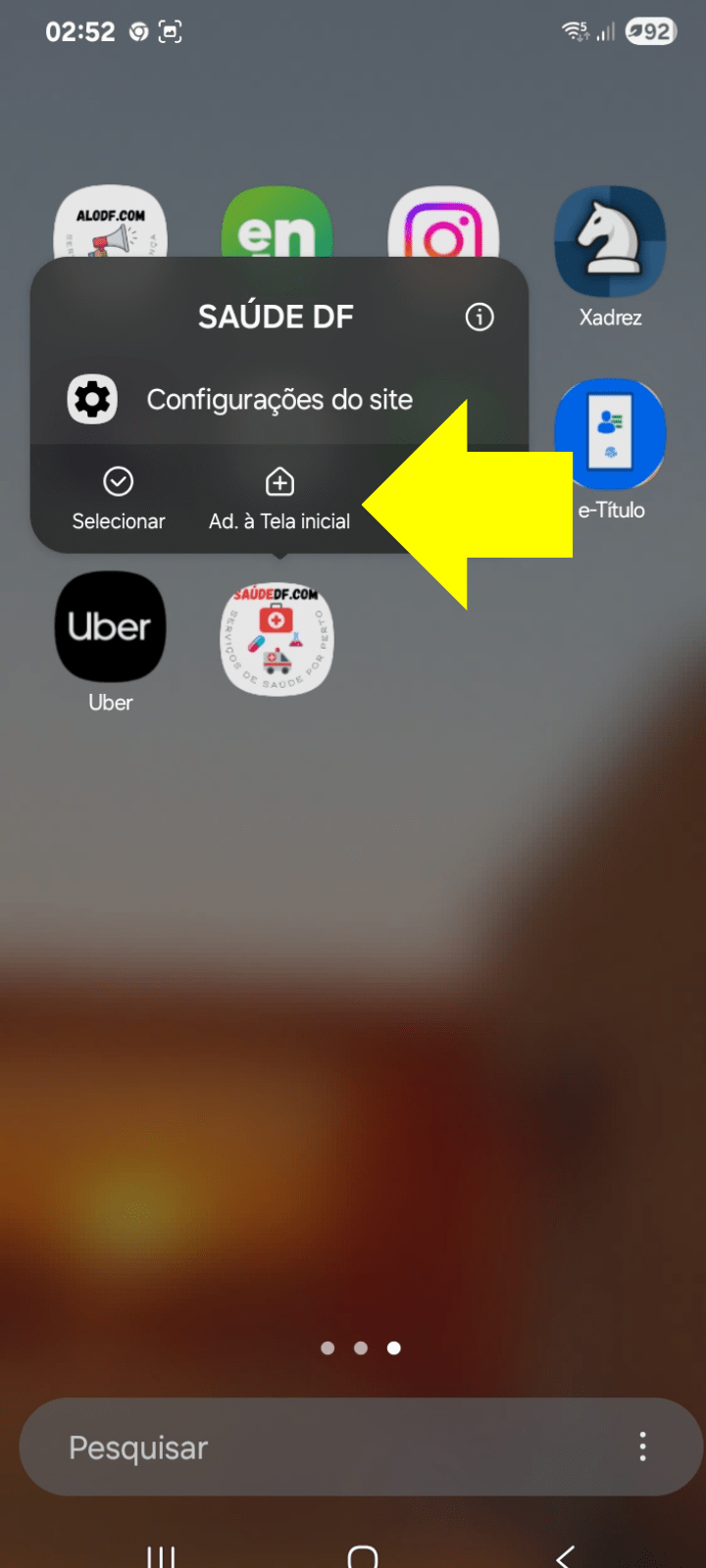
Pass 3 (of 3) : Go to Your Home Screen and Find the SAUDE DF Icon ; Hold the Icon for 2 Seconds and Select Add to the Home Screen ;
ALL DONE – the SAUDE DF Icon Must Be at Your Home Screen (like in the image below).
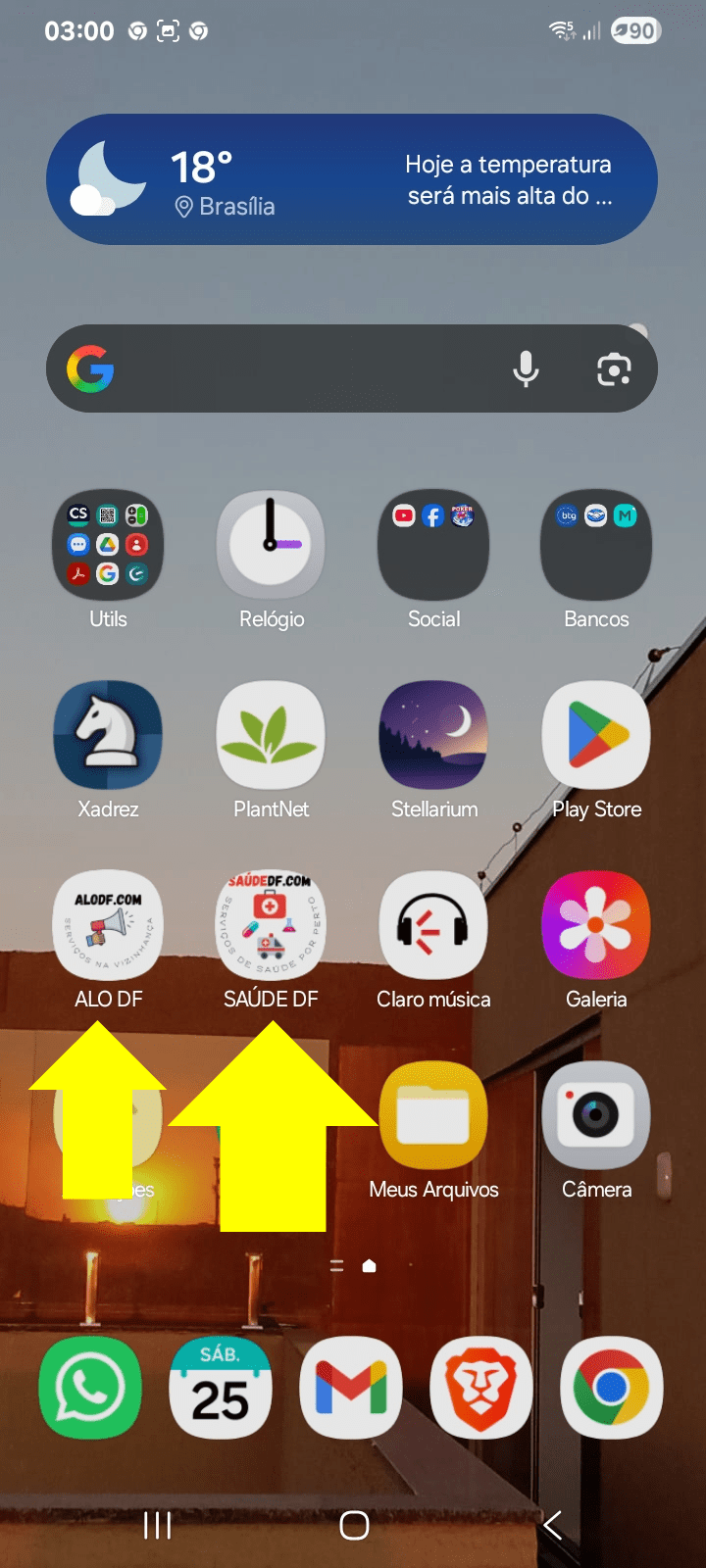
Why Don´t You Take Just One Minute to Find Out Our Other App ? Type ALODF.com on your browser Righ Now and Easily Find Professionals Services Near You ! Its 100% FREE !